Google Launches Dreambeans in India: An AI App That Turns Your Digital Life Into Personalised Daily Stories in 14 Languages
From Gmail and Google Photos to YouTube and Gemini, Google Labs’ experimental app builds illustrated story collections from the services you choose to connect
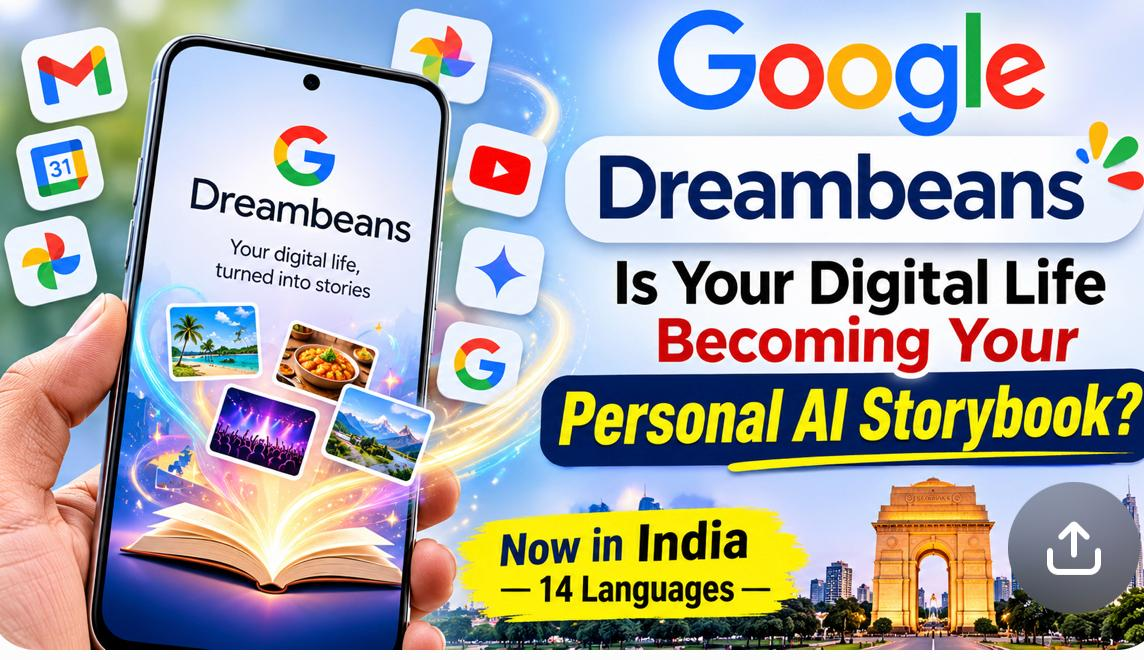
Google Dreambeans, an experimental AI app from Google Labs, has launched in India for people aged 18 and above. It makes personalised, illustrated daily story collections from information in Google services that users choose to connect, and instead of waiting for a search or a prompt, it prepares the stories on its own. India is the first market outside the United States to get the app, which is available on Android and iOS in 14 languages, English included.
The launch fits a wider push to make AI feel more personal, more contextual and more accessible to people who use technology in different languages.
What Is Google Dreambeans and How Does It Work?
Google Dreambeans can use information from six Google services: Gmail, Google Calendar, Gemini, Google Photos, Google Search and YouTube. Users decide which of these to connect, and the app tries to read their interests, upcoming plans and activities from what they have linked.
Services Dreambeans Can Connect To
Take someone who searches for travel destinations, watches travel videos on YouTube and has a trip in their calendar. Dreambeans might show that person stories about places to visit or travel experiences. Someone into cooking, arts and crafts or local events could see suggestions that match those interests. Google says the daily collections can range from places to explore to upcoming local events.
Each collection is told through illustrated stories that users can open, save for later or share. For stories that feature the user and their loved ones, Google Photos face grouping needs to be switched on, according to a Deccan Herald report.
How Google Dreambeans Differs From Other AI Apps
Most popular AI tools wait for instructions: you ask, prompt or upload, and the tool answers. Google Dreambeans works the other way round. Its focus is proactive personalisation, so it uses the services you connect to prepare story collections without you starting each interaction. That sets it apart from both chatbots and traditional recommendation feeds.
Reactive AI
Responds when you give it an instruction, such as a question, a prompt or an upload.
Proactive AI
Looks for patterns and context in what you have connected, and suggests something before you ask.
A search engine shows travel results after you search for a destination. Dreambeans may pick up an existing interest in travel from your connected services and show a related story without a fresh search.
Google Dreambeans in 14 Languages
Language is a major part of the India launch, since many internet users here prefer to read in their mother tongue or a regional language. Making personalised AI available beyond English is the point of this rollout.
The 14 Supported Languages
How to Download and Use Google Dreambeans in India
Getting Started
- 1Download the appGet Dreambeans from the Google Play Store or the Apple App Store.
- 2Sign inUse a personal Google account and finish the initial profile setup.
- 3Choose services to connectPick from Gmail, Calendar, Photos, Gemini, Search and YouTube. At least one supported service must be connected.
- 4Pick your languageChoose one of the 14 languages for your story collections.
- 5Explore your storiesThe first collection can take up to a day to appear; after that, fresh collections can arrive daily. You can open, bookmark and give feedback on stories.
Privacy and Data: What Google Dreambeans Users Should Know
The app draws on services that hold personal emails, photographs, calendar entries, search history and viewing habits, so it is worth understanding the permissions before switching it on.
According to Google’s Dreambeans information, the app is for personal Google accounts, and the stories are visible only to the account holder. Even so, connecting personal data to an AI app is a conscious choice. It is sensible to review permissions and connect only the services you really need, because an app from a big technology company should not replace your own awareness about what you share.
Why India, and What It Says About AI
India is one of the world’s largest and fastest-growing digital markets, and millions of people already use Google services such as Gmail, Photos, YouTube and Gemini. That ecosystem gives a personalised AI service more to work with. The multilingual internet population is another draw, since it tests whether AI apps can go beyond English-first design.
Dreambeans also points to a shift from reactive to proactive AI. If it catches on, it could mean less time spent searching across platforms, daily plans that reflect your schedule and interests, more visual and interactive ways of discovering information, and more people trying AI in their own language. Whether that happens will depend on accuracy, relevance, transparency and how much users trust the way their information is handled.
NB News Perspective
What stands out about Google Dreambeans is not only that AI writes stories, but that it links different parts of a person’s digital activity into one personalised experience. For Indian users, language support makes the test especially relevant, and the reliance on personal data is a reminder that responsible AI and informed consent matter as much as the features. As AI keeps evolving, the next test for products like this will be whether personalisation can earn the trust of the people it is meant to serve.
Quick Answers
What is Google Dreambeans?
An experimental app from Google Labs that builds personalised, illustrated daily story collections from the Google services you connect.
Who can use it in India?
People aged 18 and above on Android and iOS with a personal Google account. India is the first market outside the US.
Which languages are supported?
14, including English, Hindi, Bengali, Telugu, Marathi and Tamil. Only one language can be chosen at a time.
Is it safe to connect my Google data?
You choose the services, can disconnect them and can delete your Dreambeans data, but it is still a privacy decision. Connect only what you need.